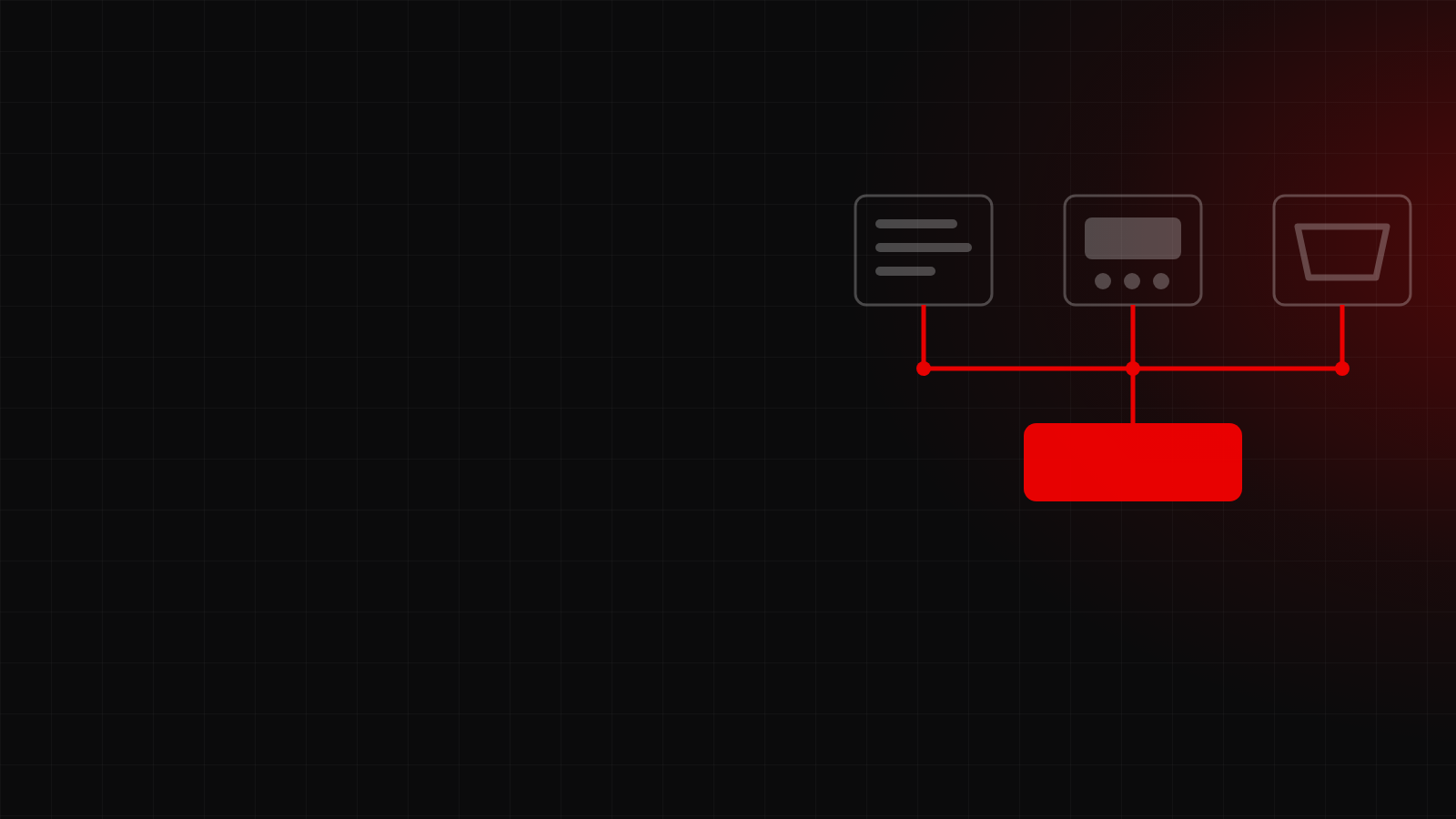
The most expensive way to build software is to take the process a company already has, with all its detours and patches, and program it exactly as it is. What you get is a system that does the same as always, faster and harder to change. Automating a bad process gives you an automated bad process.
That is why the work is split into six phases, and the first two produce no code at all.
1. Study
A survey of what is done today, by whom, and at what cost. Not in the abstract: hours of people's time, errors that need fixing, orders that get lost. That is where the return calculation comes from, which tells you whether the project is worth it before spending on it.
It is also the phase where the honest answer is sometimes "this does not need custom software". A standard tool that covers the case without bending your process is the right answer, and the cheapest one.
2. Optimize
Redesign of the flows, now free from what the old system allowed. This is where you drop the steps that exist because somebody asked for them eight years ago, the double approvals, and the data copied from one spreadsheet to another.
This phase tends to be uncomfortable, because it forces you to look at the operation head on. It is also the one that saves the most money, and it shows before the program even exists.
3. Document
The procedures are written down. Not as paperwork: it is what keeps the business knowledge from living only in two people's heads. The day one of them leaves, the company still knows how things are done.
It has another use for the project: you can argue about a written procedure. You cannot argue about a habit.
4. Develop
Now the code. Work runs in milestones with concrete deliverables, and you see progress every week, not at the end. A project shown only on the last day is a project discovered too late: if something was misunderstood, it was misunderstood for months.
Each milestone is delivered, reviewed and accepted before the next one starts. Anything that changes the scope is written down and quoted separately, so nobody finds surprises at the end.
5. Implement
Data migration, training and go live. This is the most underestimated phase: a perfect system nobody knows how to use is worth nothing, and old data is almost never as clean as everyone believed.
6. Support
Support after launch and measurement of the indicators defined in the first phase. That is what closes the loop: a saving was promised, so we check whether it happened.
How long it takes
It depends on complexity, and that is the honest answer. A simple module can be ready in four to six weeks; a full system takes three to six months. What does not change is how it is delivered: in parts, with visible progress, so the course can be corrected early.
All of it is followed from the portal: the schedule, the documents, what has been delivered and what is still pending on your side, which is the most common reason a project falls behind.